
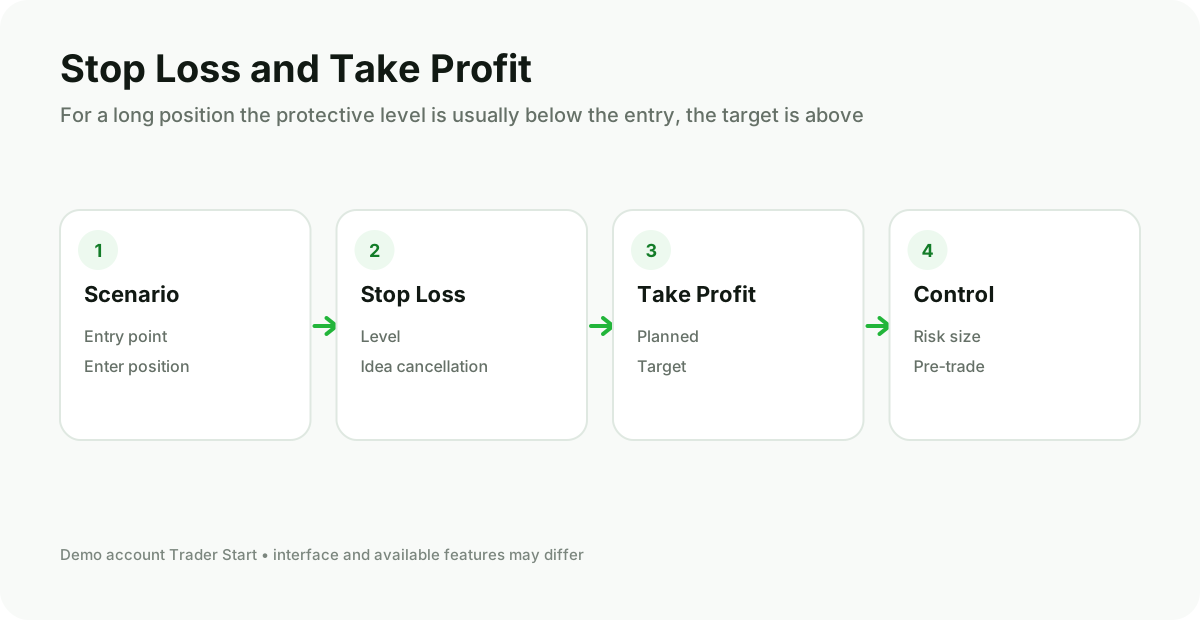
What S/L and T/P mean
Stop Loss (S/L) — the level at which the broker sends a command to close the position to limit further loss. Take Profit (T/P) — the automatic result lock level when the price moves in the expected direction.
A Stop Loss does not guarantee execution exactly at the specified price. During a gap, low liquidity, or a sharp news move, slippage may occur and execution may be at the nearest available price.
Where to place a Stop Loss
The protective level is usually set where the original idea ceases to be logical: beyond a structural level, a local extreme, or the boundary of acceptable volatility. Placing it at a random short distance increases the likelihood of being closed by ordinary market noise.
After selecting the level, they calculate the distance from the entry to the S/L and only then size the lot so that the monetary loss remains acceptable.
How to choose Take Profit
The target can be linked to the nearest demand or supply zone, the previous extreme, the range boundary, or a pre‑determined risk‑to‑reward ratio. A larger target alone does not make a trade high‑quality: you need to consider the probability of achieving it.
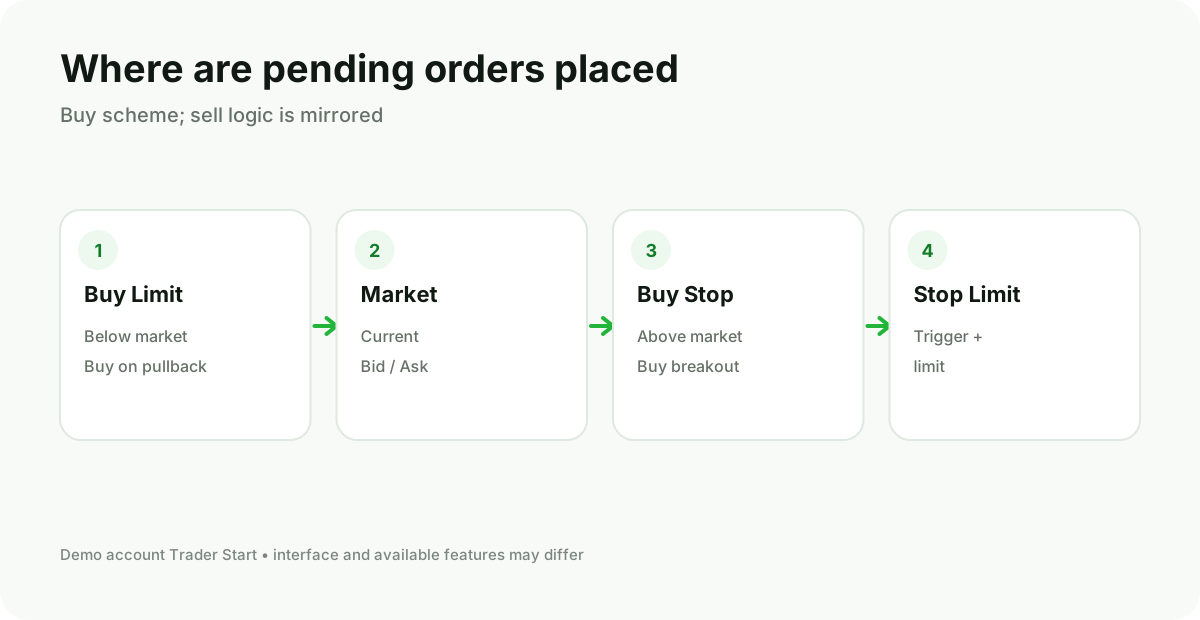
How to set levels in MT5
- In the New Order window, select the symbol and the volume.
- Enter the prices in the Stop Loss and Take Profit fields.
- Check the direction: for BUY, the S/L is usually below the entry and the T/P above; for SELL, the opposite.
- After opening the position, use Modify / Edit Position if the levels need to be adjusted according to the plan.
Common errors
- increase the Stop Loss after entry to avoid realizing a loss;
- move the protective level without a new market reason;
- set the same distance on instruments with different volatility;
- ignore the spread, commission and possible slippage;
- to open a position without a pre‑determined clear exit scenario.
Related material: lot and position size.