
This is a practical continuation of the comprehensive guide “Complete MetaTrader 5 Guide”. If you haven’t set up the account, Market Watch, and the symbol specification yet, start with that first.
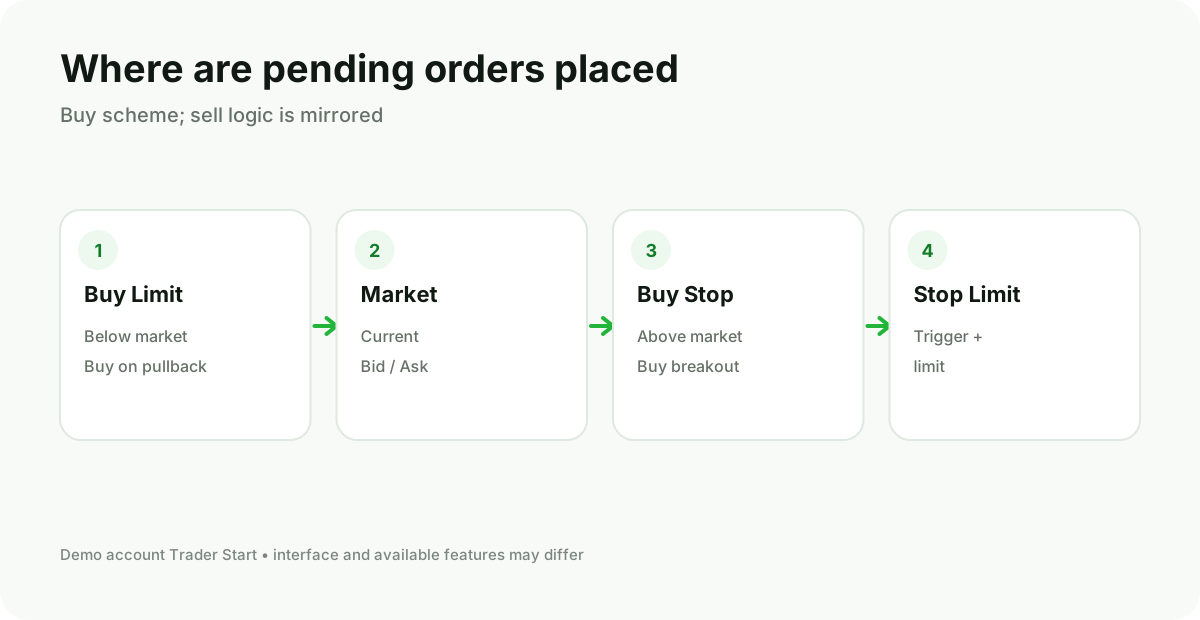
Market and pending order
Market Order used to enter at the available market price. Pending Order activates only after the specified level is reached.
| Order | Logic |
|---|---|
| Buy Limit | Buy below the current price. |
| Sell Limit | Sell above the current price. |
| Buy Stop | Buy above the current price after the level is reached. |
| Sell Stop | Sell below the current price after the level is reached. |
Some accounts and symbols also support Stop Limit. Availability and execution rules should be checked in the instrument specification.
The activation price of a pending order does not guarantee the exact execution price. In a fast market, slippage, gaps, and partial execution are possible.
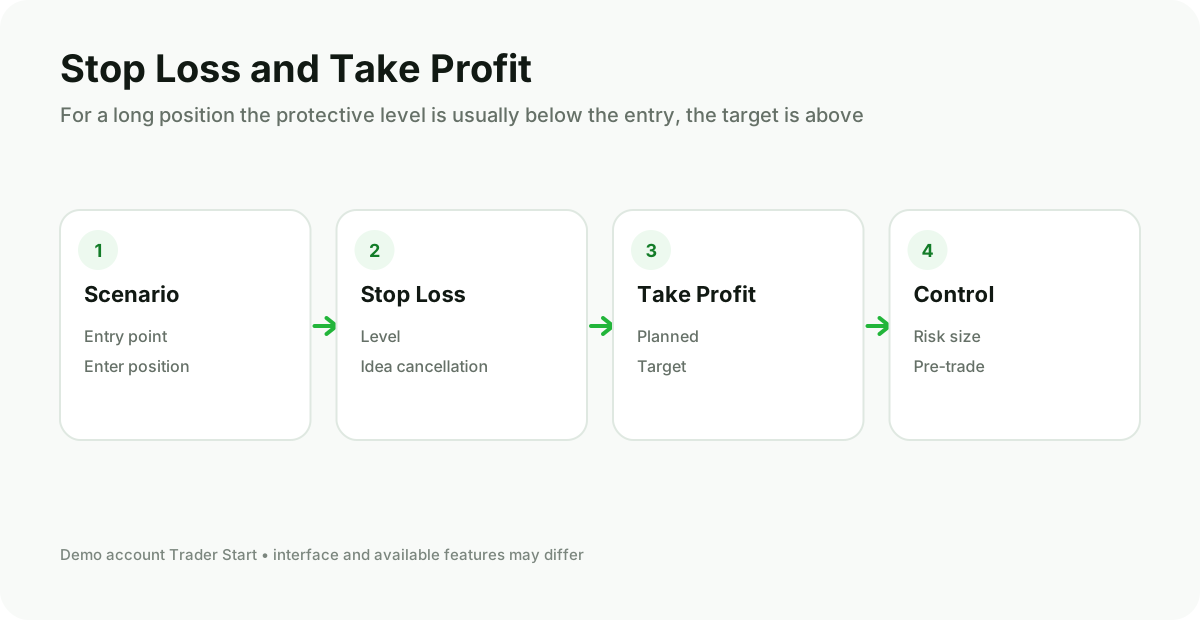
How to open and modify an order in MT5
- Select the symbol in the Market Watch window.
- Open New Order.
- Specify the volume and execution type.
- For a pending order, set the activation price and, if needed, the expiration time.
- Specify S/L and T/P.
- Before confirming, double‑check the symbol, BUY/SELL, and lot size.
To modify an open position or pending order, locate it on the “Trade” tab, open the context menu, and select modify. The command name varies with the interface language and account type.
Before sending the order
- Check the trading hours of the symbol;
- Take the current spread into account;
- Make sure the pending order price meets the broker's minimum distance;
- Don't confuse Limit and Stop;
- Link the volume to the permissible monetary risk.