
Check product availability in your country
The set of Binance features depends on jurisdiction and client status. Do not transfer funds until the account and withdrawal rules are clear.
1. Account protection
- Unique password and saved official domain.
- Authenticator app or hardware token instead of a single SMS.
- Anti‑phishing code, device control and notifications.
- Whitelist of withdrawal addresses, if the feature is available.
2. Deposit and network
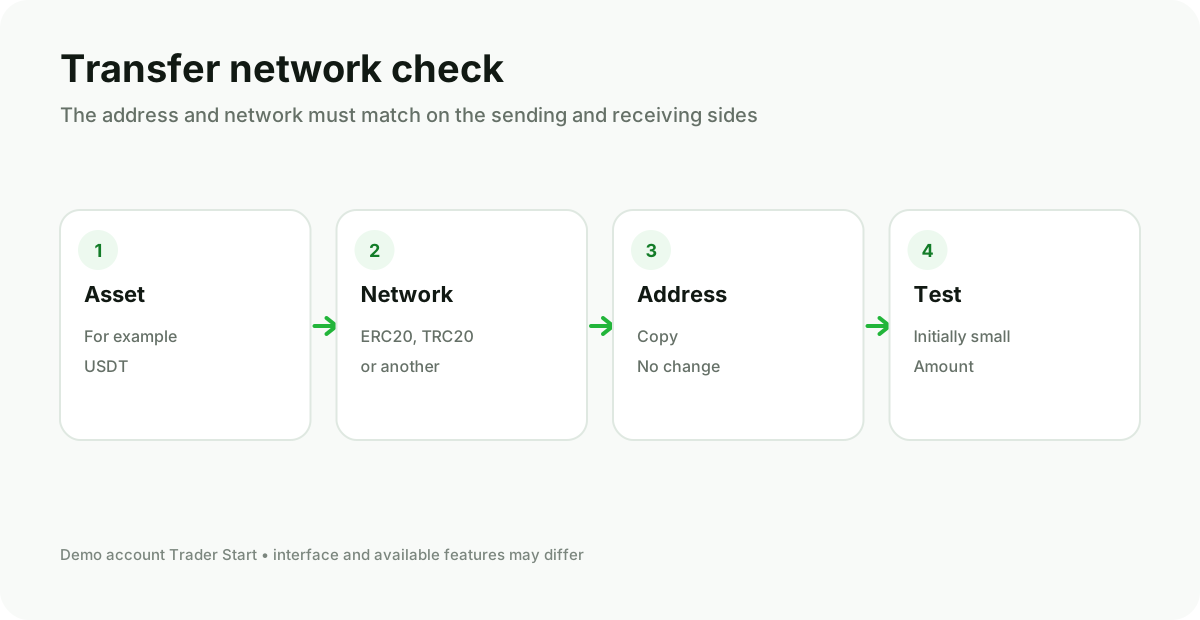
On the deposit page select the asset, then the network. Copy the address and memo/tag if required. On the sender side choose the same network. For a new address perform a small test and wait for the credit.
3. How to read the spot screen
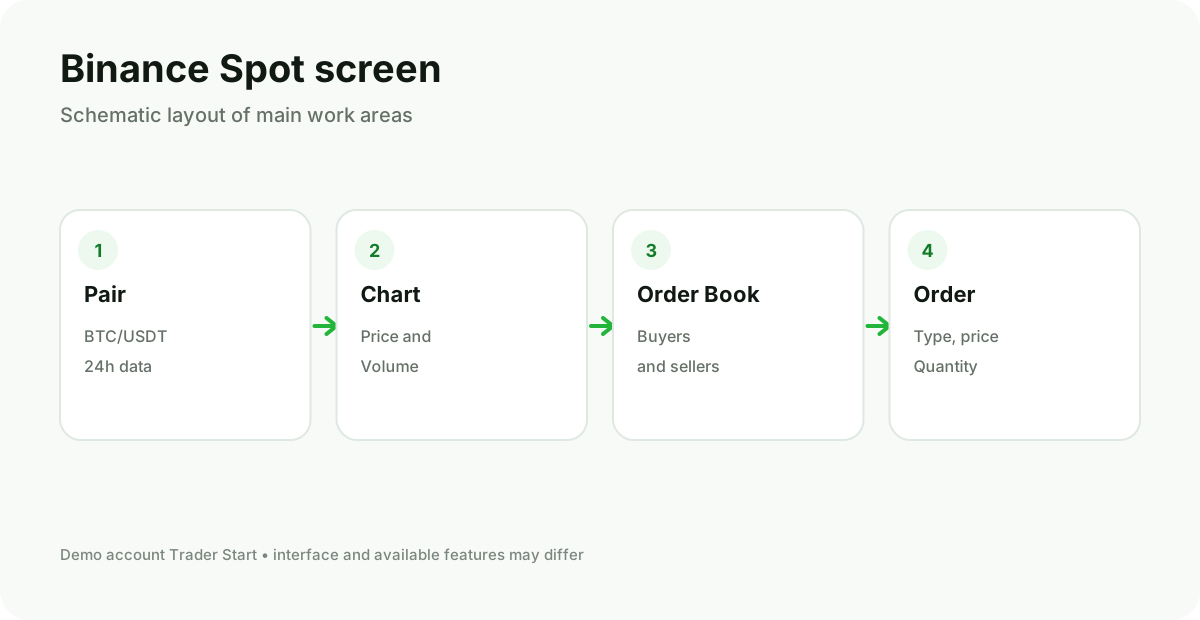
Check that the mode is open Spot, not Margin or Futures. In the BTC/USDT pair the price shows how many USDT one BTC costs. The red part of the order book contains sell offers, the green – buy orders.
4. Order selection
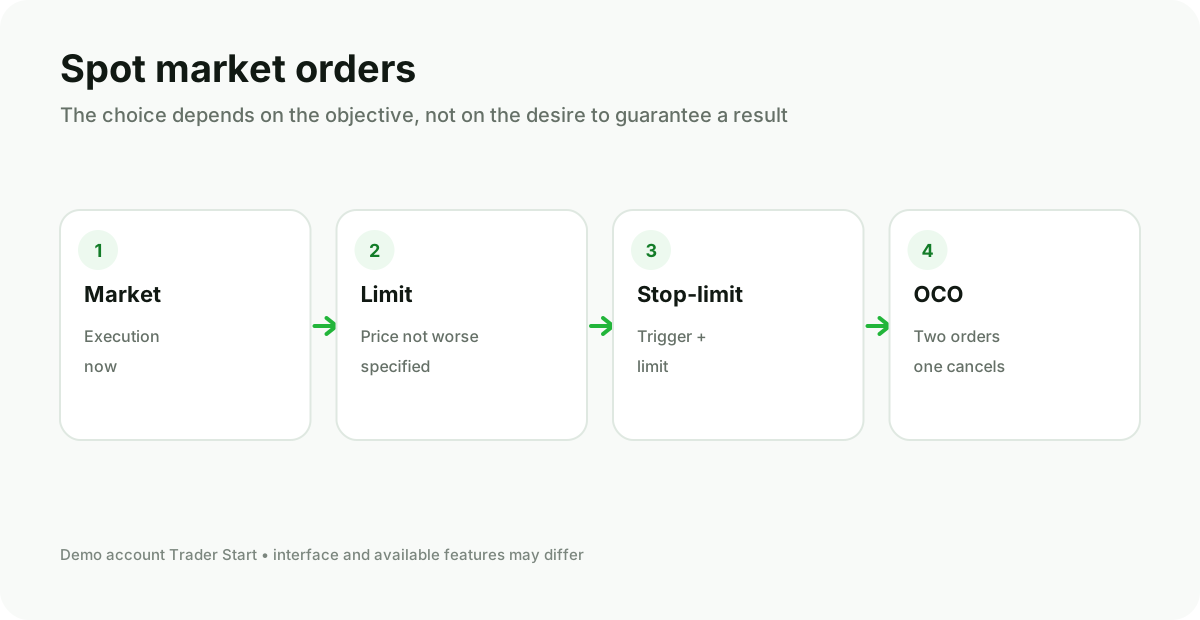
- Market: Enter the quantity or amount and check the available balance.
- Limit: Set the price and quantity; the order is waiting for opposite demand.
- Stop-limit: The activation price and the limit price are set separately.
- OCO: Two linked orders; execution of one cancels the other.
5. After the order
Check Open Orders, Order History, and Trade History. A partially filled order may remain open. For reporting, regularly export the history and keep records of deposits, withdrawals, fees, and transfers.
6. Withdrawal
Select the asset, network, and address again. Verify the minimum amount and network fee. Do not send testnet funds to a mainnet address and do not copy an address from an unknown message.
Start with spot and a small test amount
Margin products and futures add liquidation risk. They should not be turned on just because the button is nearby.